The problem with quick replies
Short messages pile up faster than long ones. "Can we move to 3:30?" "Did the invoice go out?" "Are you still OK with the blue version?" Each one deserves ten seconds of thought. But switching from deep work to a reply and back again costs far more than ten seconds, so people batch them, and the person on the other side waits.
There's a second problem. When you answer fast, you answer flat. A one-word "fine" to a client who asked a careful question can land badly, especially in text, where tone is easy to misread.
Three replies, three intents
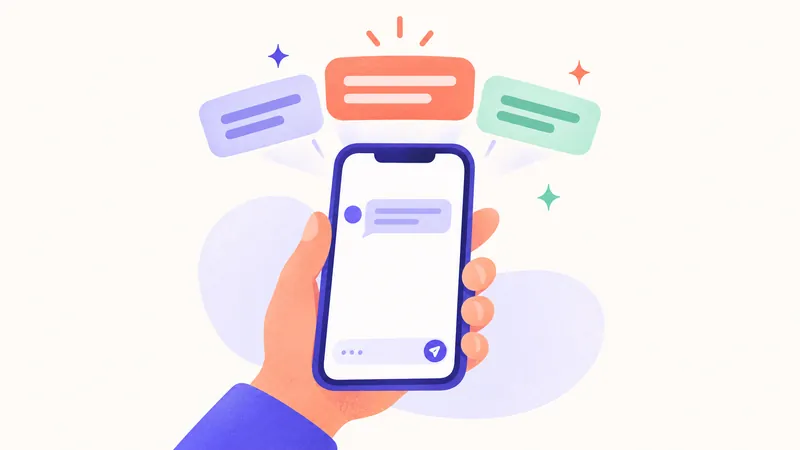
The Chat.me AI reply generator doesn't give you three versions of the same answer. It gives you three different answers. For "Can we move to 3:30?" you might see:
- Accept: "3:30 works. I'll update the invite."
- Counter: "3:30 is tight for me. Could we do 4:00 instead?"
- Ask: "Sure, is it still 30 minutes or do we need longer?"
We built it this way because choosing between intents is the real decision. Rewording is easy once you know what you want to say.
Written the way you text
Your voice profile covers short messages too. If you never use exclamation marks, your replies won't have them. If you sign off chats with your initial, so will the drafts. And replies stay short by default (nobody wants a five-sentence answer to "thanks!").
Facts stay put
Times, dates, prices and names in the original message are treated as fixed. If the message says Thursday at 3:30, no suggested reply will say Wednesday. When the reply needs a fact the assistant doesn't have, such as whether you're free, it leaves a clear gap for you to fill instead of guessing.
When to use the reply generator and when not to
Use it for scheduling, confirmations, polite declines and quick status questions. These are messages with a small set of sensible answers, which is where an AI reply generator is fastest.
Write it yourself when the message is emotional, legal or about money that's in dispute. An AI can help you draft those (the AI email writer is better for longer, careful messages), but you should own every word. Our article on whether ChatGPT is safe covers what to keep out of any AI tool.
The reply generator is part of the Chat.me AI chat assistant and included in every plan on the pricing page.
Frequently asked questions
How does an AI reply generator work?
An AI reply generator sends the message you received, plus some context such as earlier messages, to a language model and asks for short candidate replies. Chat.me adds your voice profile and locks facts such as times and prices, then shows three options that differ in intent: accept, decline or ask a question.
Can I use the AI reply generator for text messages?
Yes. You can paste a text message or chat into the Chat.me web app or use the browser extension in web-based chat and email tools. Replies are kept short by default, because a reply to a text that reads like an email feels odd to the person receiving it.
Is the AI reply generator free?
The Free plan includes 50 drafted replies a month. Pro removes the limit for $12 per month, and the Teams plan adds a shared reply library and tone guide for $20 per user per month.