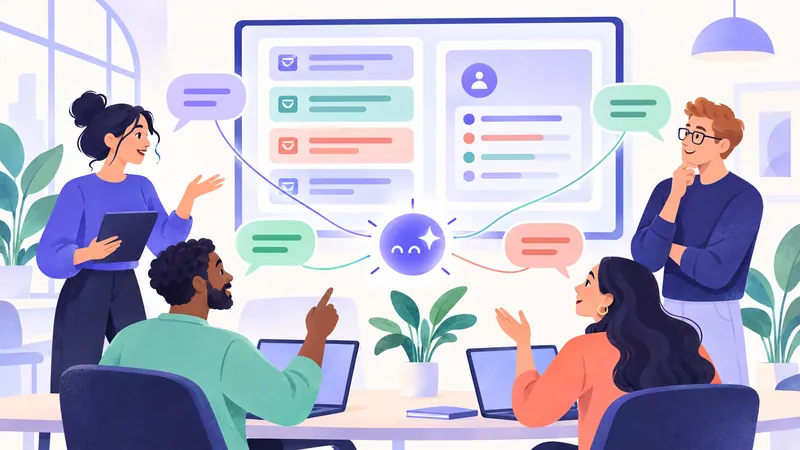
Why team communication drifts
Picture a pet supply store in Columbus with five people answering email and chat. One writes "Hey there!", another writes "Dear Customer". One says returns are accepted within 30 days, another remembers it as 60 because that was the rule last year. None of them is careless. They just don't have a shared source, and nobody has time to check every reply.
General AI tools can make this worse. If each person prompts their own chatbot, you now have five people and five models improvising policy.
One tone guide for everyone
With Chat.me for teams, an admin writes the tone guide once: how you greet customers, words you avoid, how you apologize, how long replies should be. Every draft for every team member follows it. New hires sound like the team on day one, which is usually the hardest part of onboarding a support agent.
A reply library the assistant actually uses
The reply library holds your approved answers: return windows, shipping times, pricing rules, what to say when an order is late. When a customer asks about returns, the draft uses the library entry and shows which one it used. If the library doesn't cover the question, the draft says so and flags the message for a person.
We designed it this way for a simple reason. Language models are good at phrasing and bad at remembering your current policy. Giving them the policy, and showing where it came from, fixes the part they get wrong. Our guide on AI customer service explains how to set escalation rules around this.
Review before send
Nothing goes out without a person approving it. Team leads can require a second approval for refunds, cancellations or anything mentioning legal terms. The audit log records who approved what and when.
Built for the way teams work
- Support: drafted answers from your help articles, with escalation flags.
- Sales: follow-ups that reference the last call notes instead of a generic template.
- Operations: summaries of long vendor threads with owners and dates.
Admin controls
Teams includes single sign-on, roles, retention settings and the option to exclude mailboxes or channels. Conversations are never used to train models. The full detail is on the security and data privacy page, and our article on AI for small business has a simple way to estimate the hours a team can save.
The Teams plan costs $20 per user per month. See all plans on the pricing page.
Frequently asked questions
What is an AI assistant for business?
An AI assistant for business is software that uses language models to help employees with routine work such as drafting replies, summarizing conversations and finding information. Chat.me focuses on communication: it drafts customer and colleague messages using your company's tone guide and approved answers, with a person approving each send.
How does Chat.me keep answers consistent across a team?
Admins upload a tone guide and a reply library of approved answers, for example your refund policy or shipping times. Drafts for everyone on the team use those sources first, and each draft shows which library entry it used, so reviewers can check it quickly.
What admin controls does the Teams plan include?
The Teams plan includes single sign-on, role-based access, data retention settings, an audit log of drafts and sends, and the option to exclude specific mailboxes or channels. Customer conversations are not used to train models.